Bits Design System
The shared language between design and engineering at Freelancer.com, and a system that’s never finished.
Visit bits.freelancer.com- Role
- Product design lead
- Scope
- Components, patterns, documentation, dark mode
- Approach
- Atomic design methodology
- Used by
- Designers, engineers and product managers
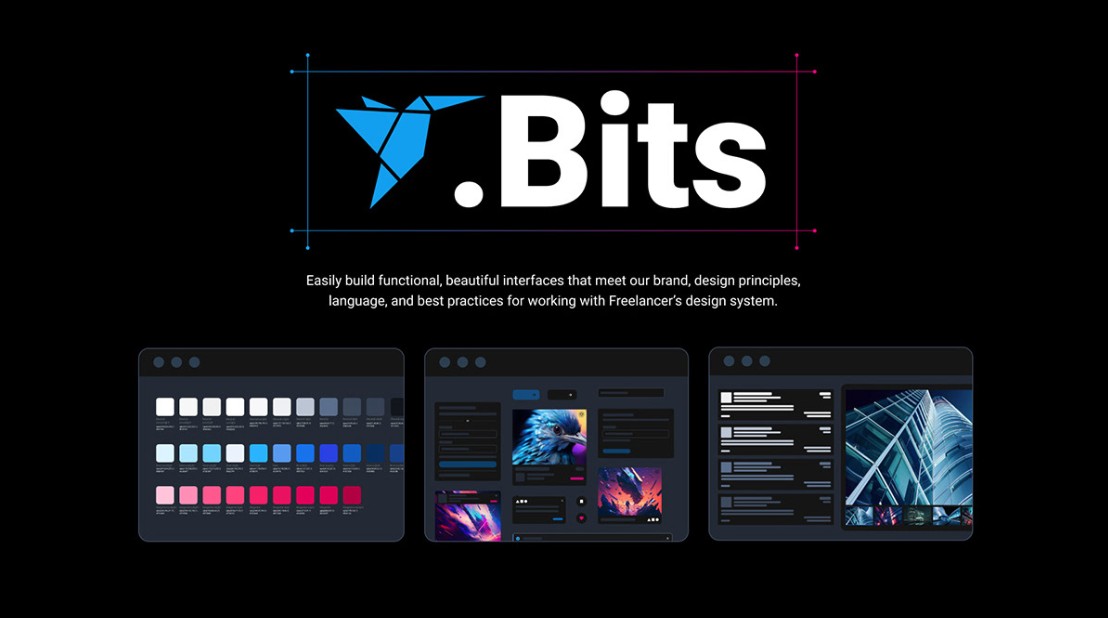
One system, constantly evolving
Bits is Freelancer.com’s design system. It holds all the components and patterns used to craft pages with a consistent user experience, using a shared language between designers and engineers.
Because Bits evolves as the Freelancer product evolves, it needs constant maintenance, improvement and updates.
Built on atomic design
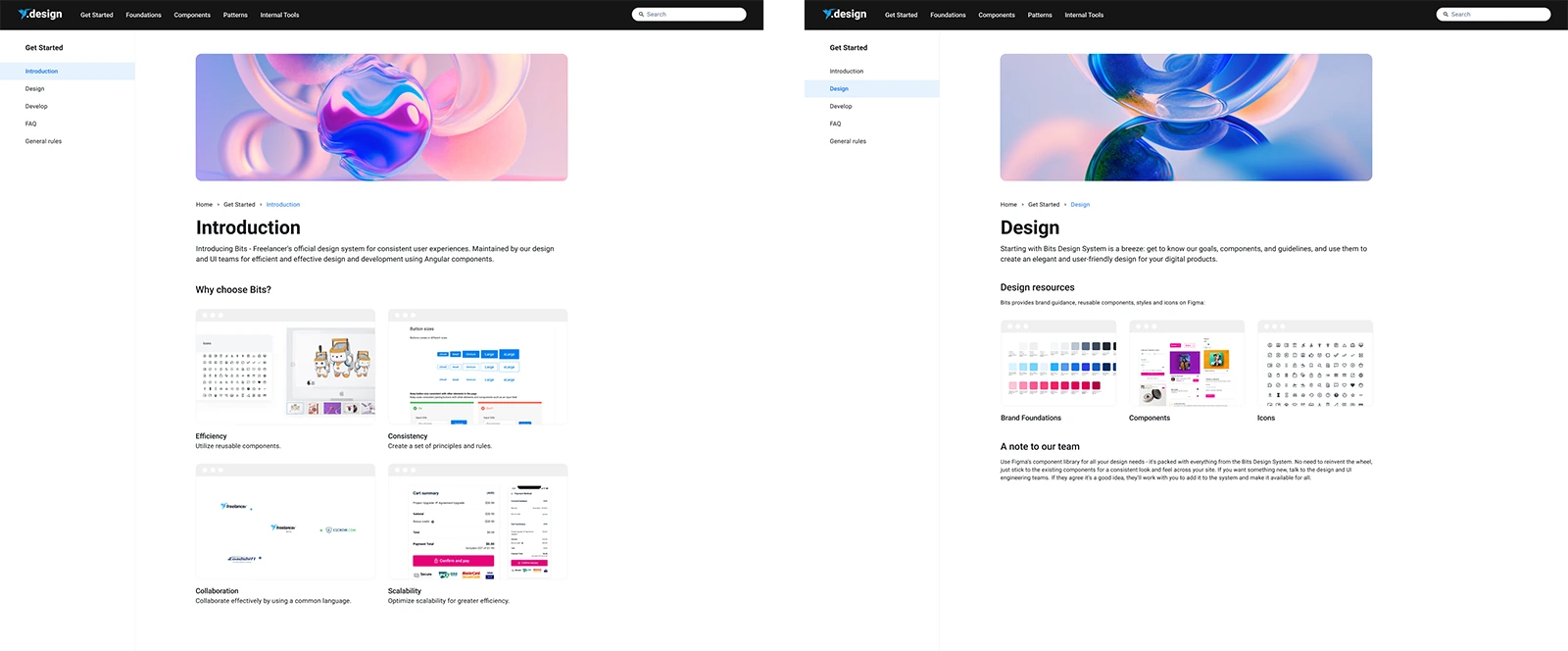
Bits follows the atomic design methodology. Small, focused building blocks combine into patterns, and documentation explains how and why they all work.
Components
The individual building blocks, or ‘Bits’. Each one fulfils its specific purpose effectively, while reflecting Freelancer’s brand and tone of voice.
Patterns
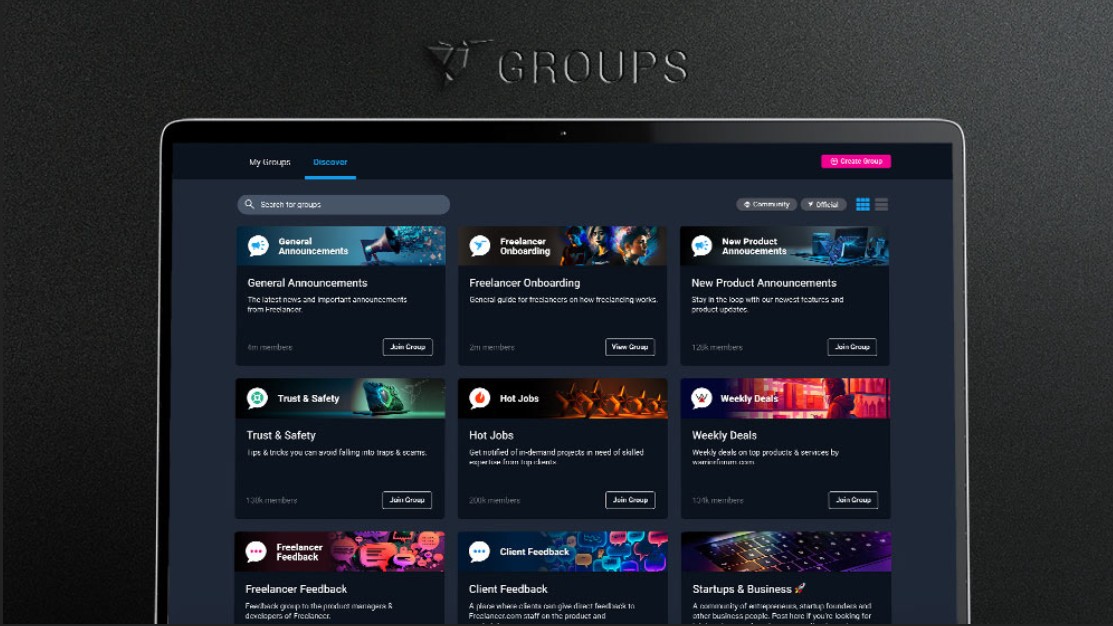
Components come together as patterns, which is where the system really takes shape, creating consistent, delightful experiences across the whole website.
Documentation
Guidelines on how patterns work and why, so designers, engineers and product managers all share the same point of reference.
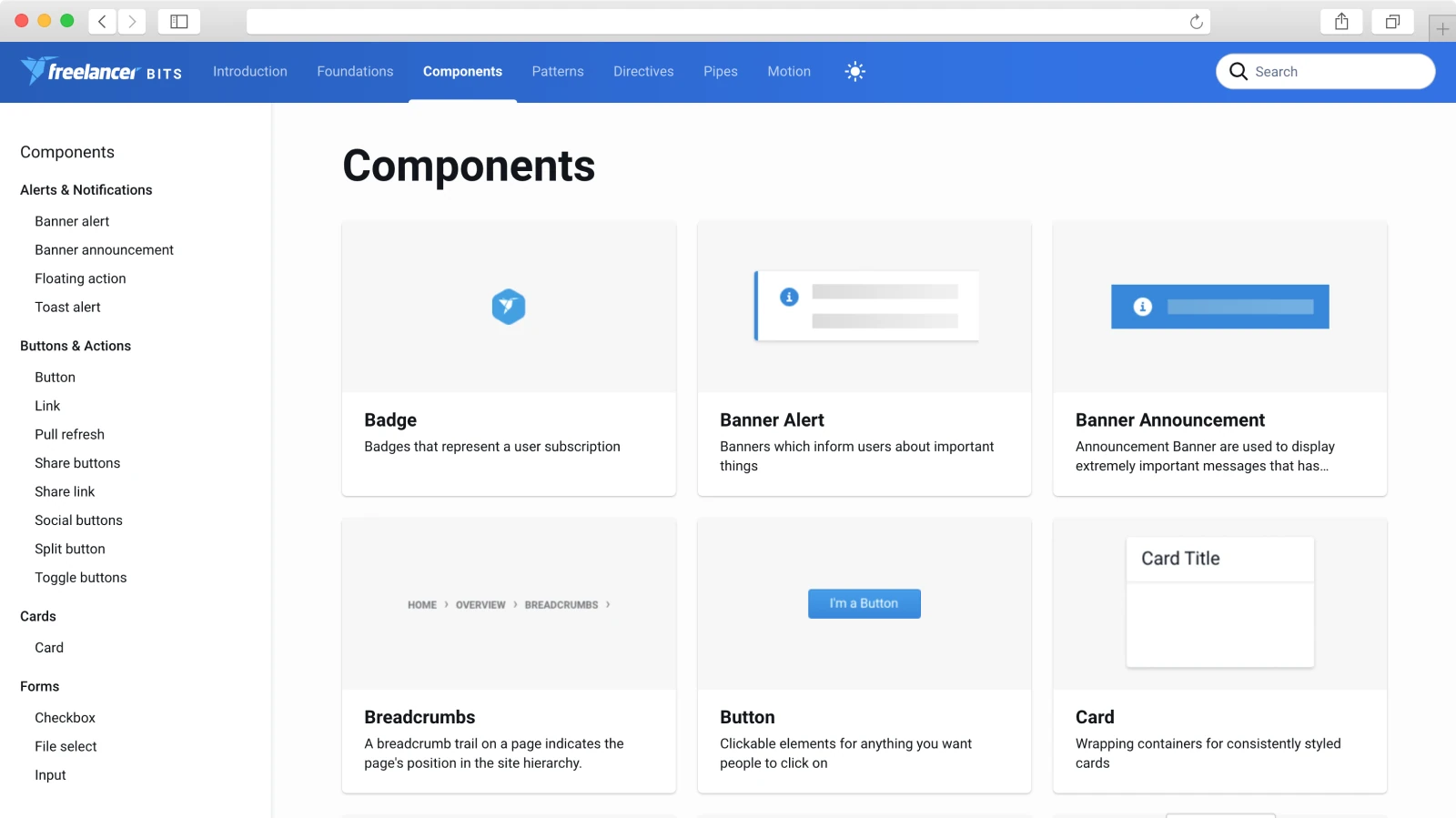
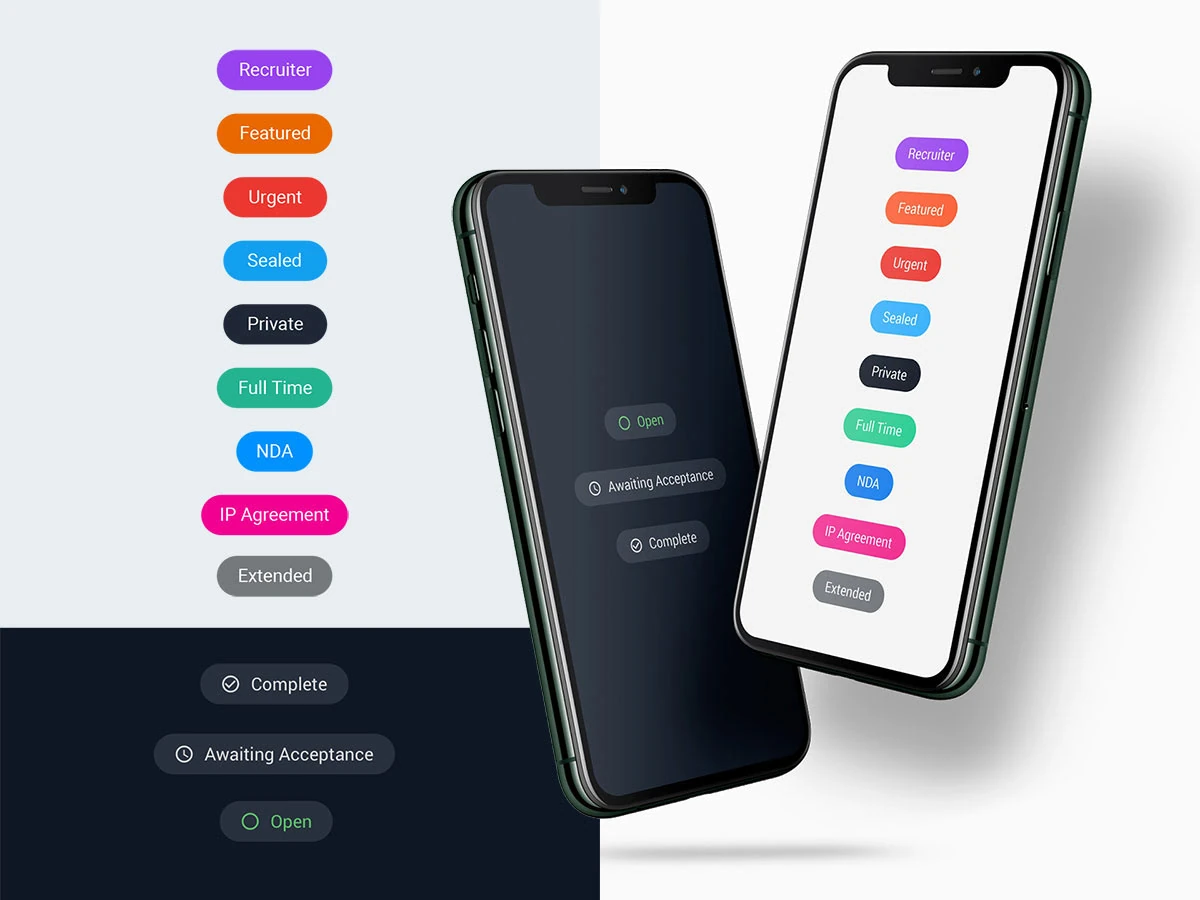
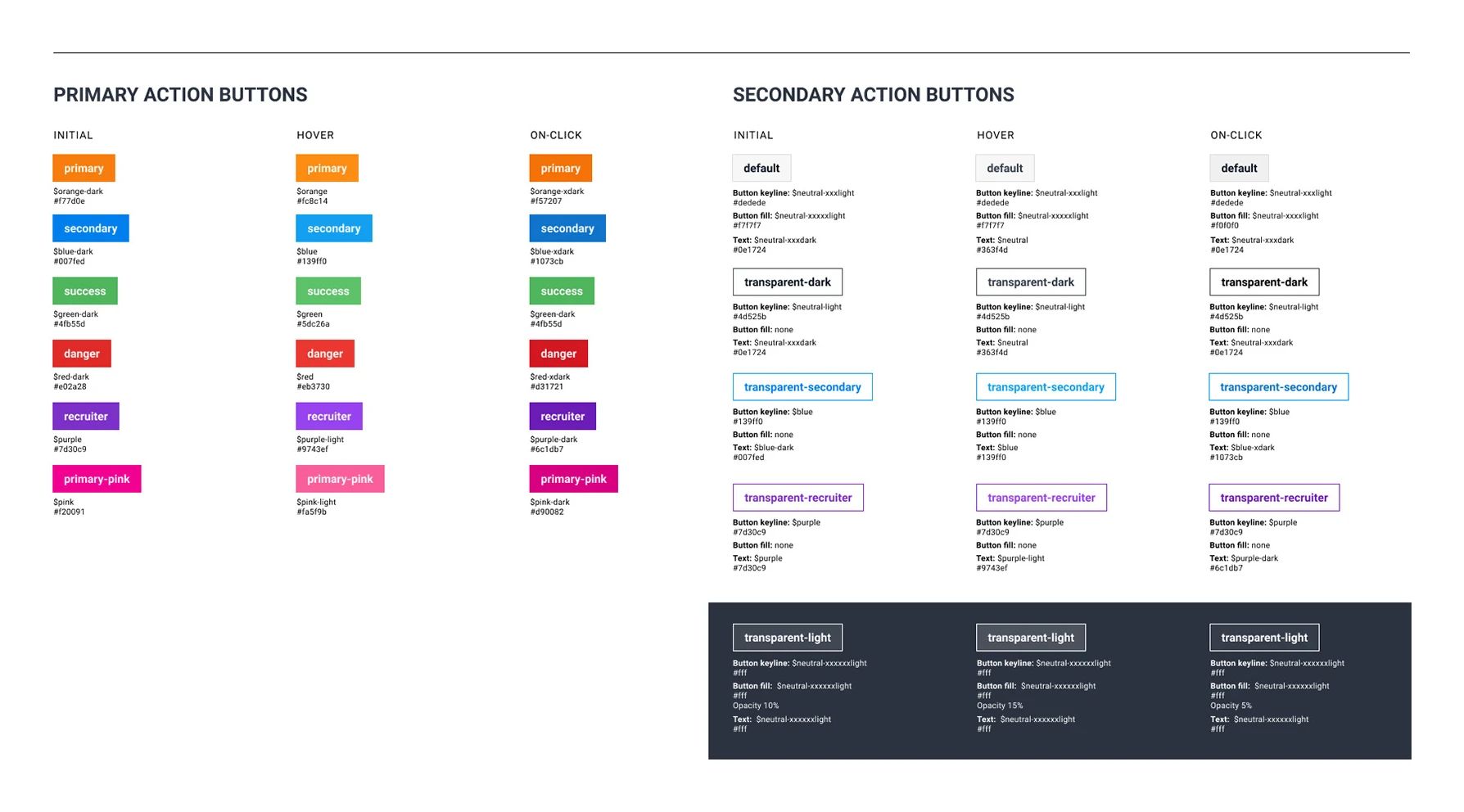
Bits always gave engineers a robust library to grab ready-made components from. But how exactly are those components meant to be used?
To evolve Bits into a system that designers, engineers and product managers can all reference, it needs clear guidelines on how patterns work, and why they work that way.
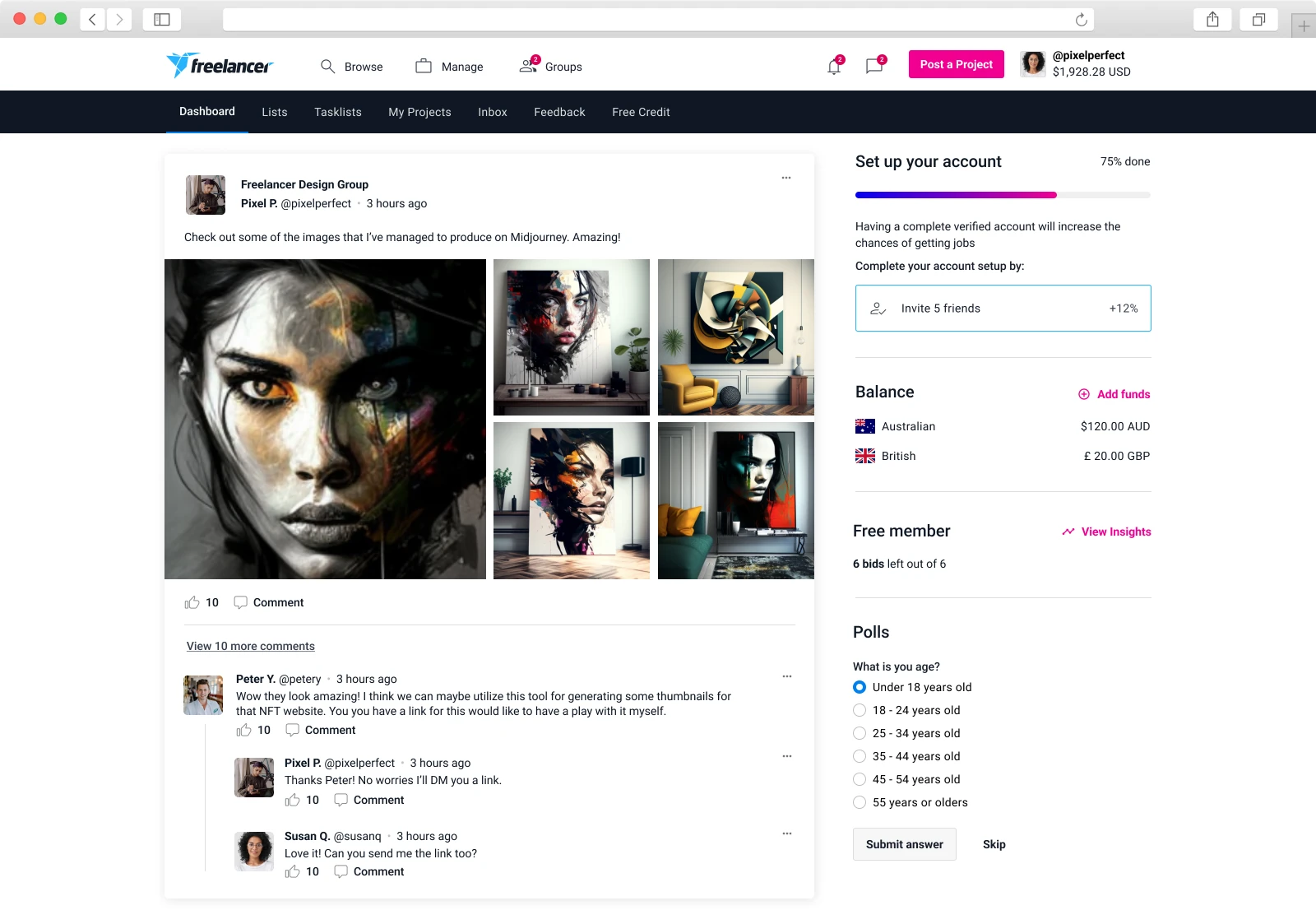
Designed alongside the product, not apart from it
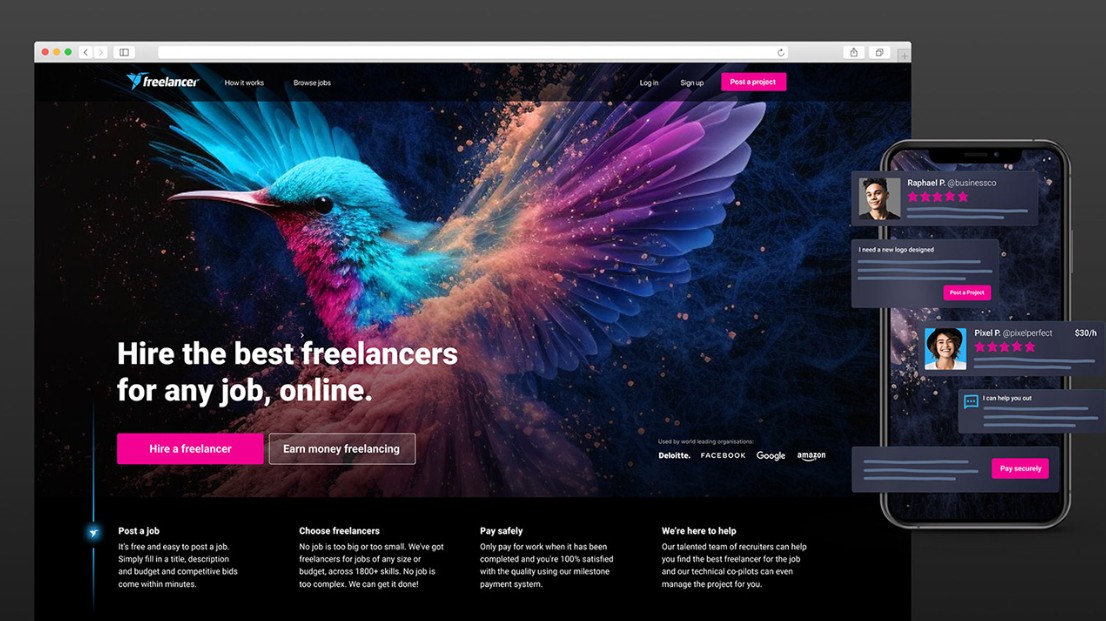
Contributing to Bits takes a solid, empathetic understanding of the core product it serves. From there, we can see where and how Bits needs to improve, from the styling of individual components through to more complex UX patterns.
“A design system shouldn’t be built in isolation, but as a by-product of your product work.”
Pay off UX debt
Clear the ‘UX debt’ the product has built up over time, and give users a consistent, seamless experience.
Create moments of delight
Use the design system to create genuine moments of delight as people use the product.
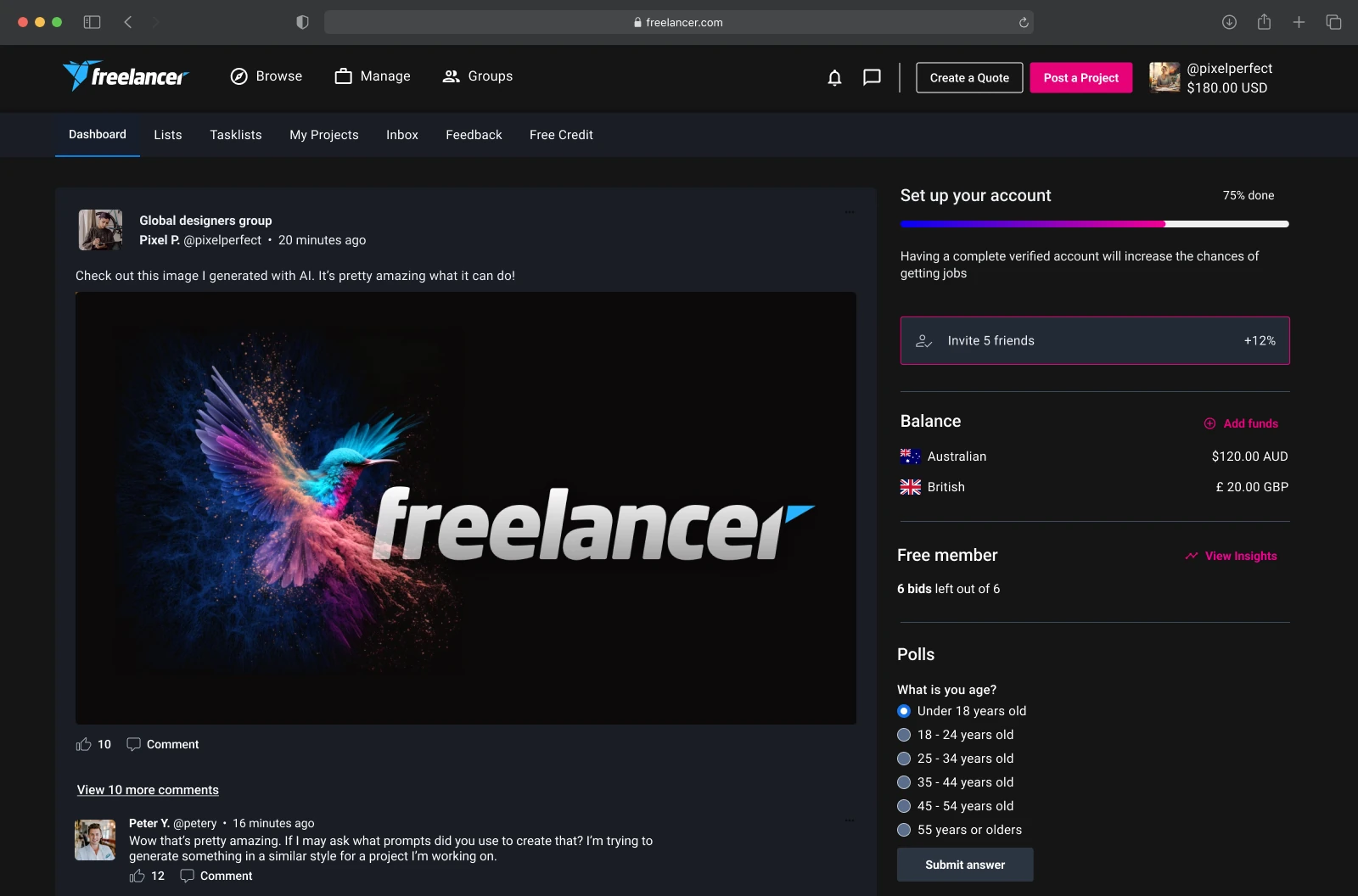
From a nice idea to real user value
One of the most recent additions to Bits, and the most visually impactful change, not just to the design system but to the website itself.
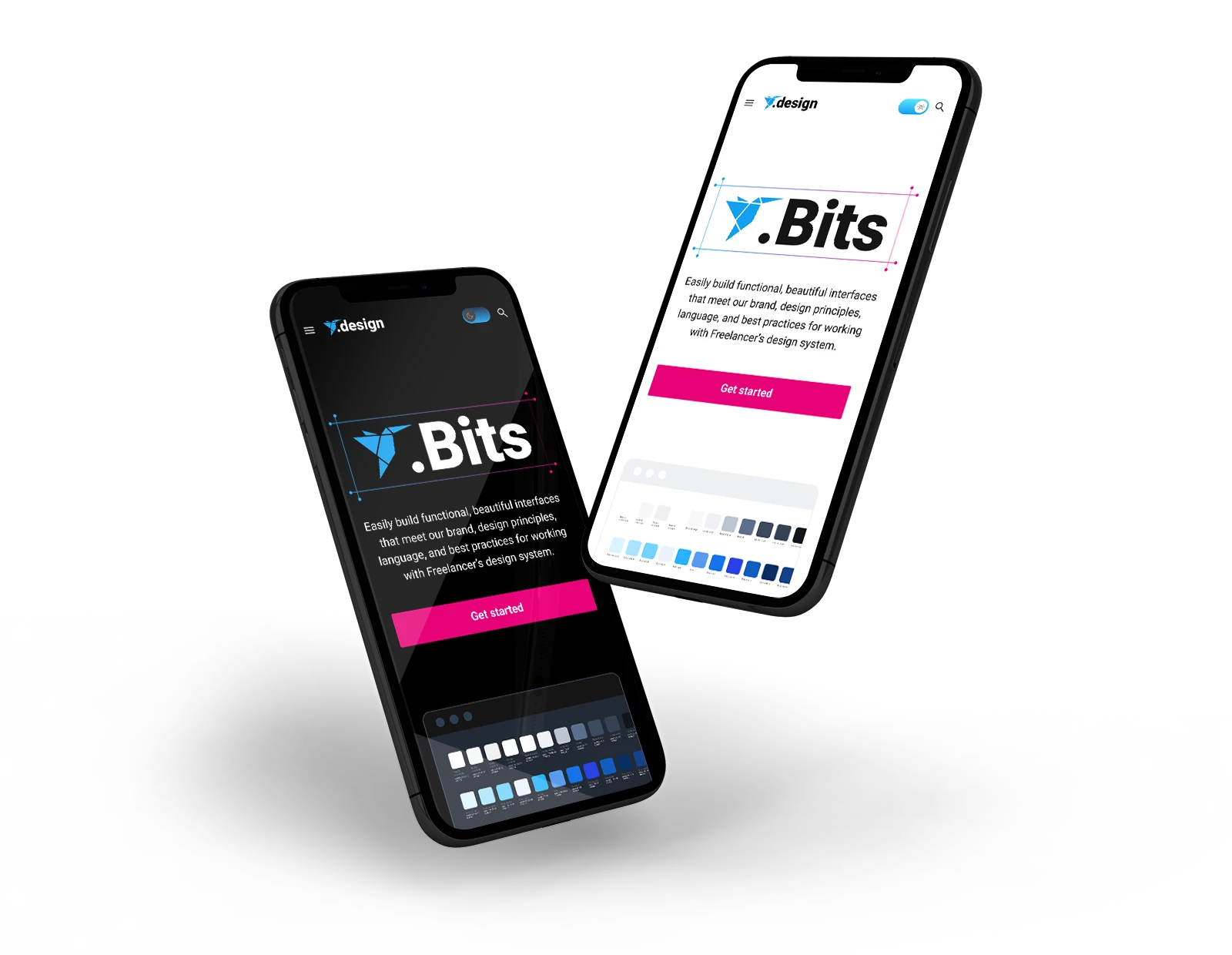
It started as a ‘dark mode is cool, we should do it’ conversation. We took it to our power freelancers, and the response told us it was worth doing.
Power freelancers reacted with real enthusiasm when we presented the idea.
These users spend a lot of time on the site, and the darker palette was a welcome relief for their eyes.
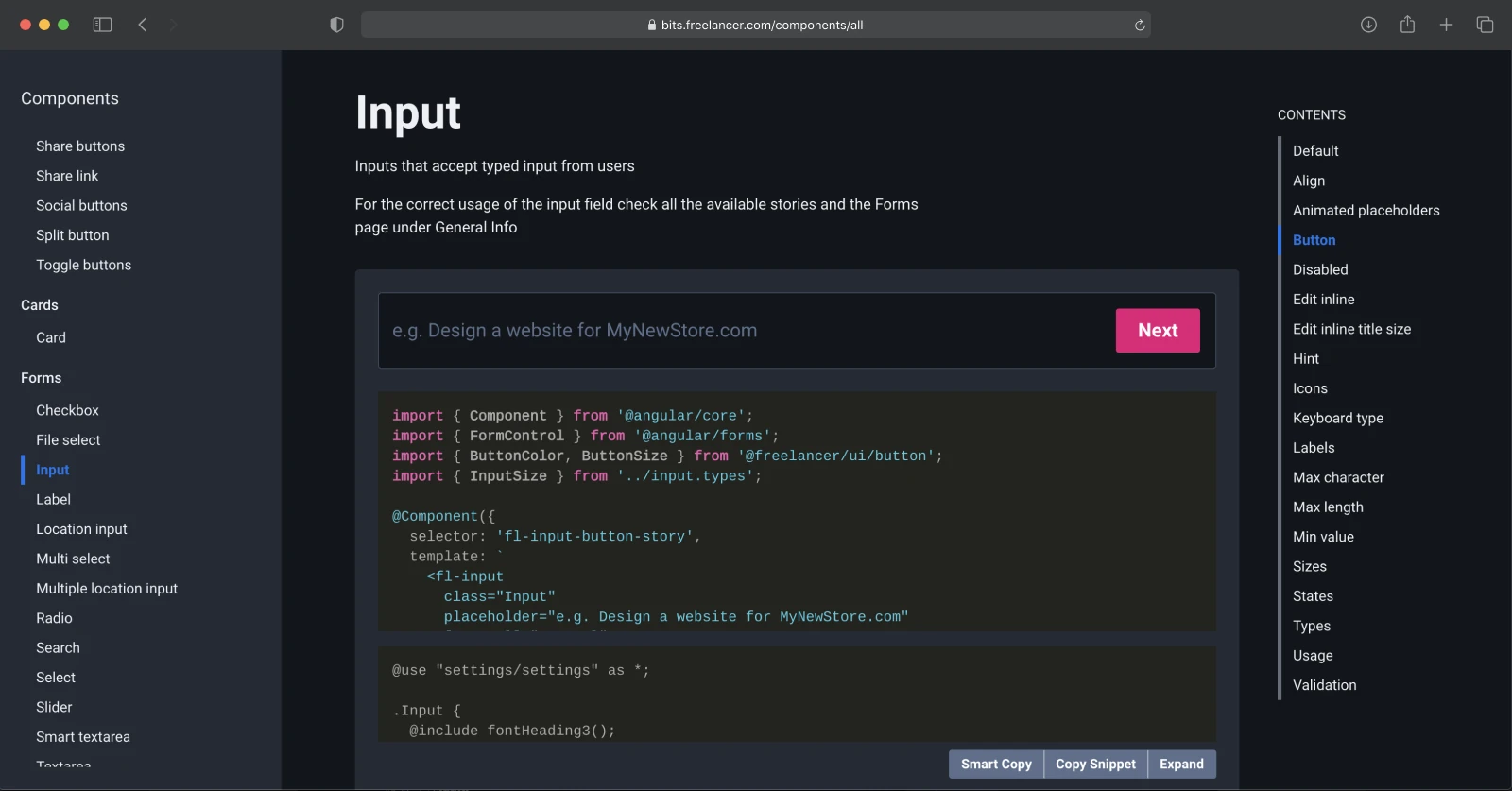
A visual revamp of the Bits website itself, a more modern look that better reflects the current Freelancer brand, with dark mode built in.
The goal: A design system everyone owns, not a funnel every team has to squeeze through.
Never truly finished
Passion for a robust design system has to be adopted across the whole organisation, not just a select team, so taking Bits to the next level means championing it.
Bits will never truly be ‘finished’. It will keep evolving with the product, and with our users and how they use it. For now, its future is best summed up in a few ‘how might we’ statements.
- HMW 1 · UX debt How might we make Bits a more sophisticated system that can pay off UX design debt?
- HMW 2 · Delight How might we introduce components and patterns that create moments of delight, making the product genuinely enjoyable to use?
- HMW 3 · Scale How might we scale Bits to keep pace with the product roadmap and its evolution?